













Unlocking Convenience: How Smartwatches and Smart Locks Work Together


In today’s fast-paced world, convenience and security are two things everyone craves. With the rise of smart technology, we are increasingly relying on devices that make our lives easier. One such combination is the integration of smartwatches with smart locks. Imagine effortlessly unlocking your door with a simple tap of your wrist—this is the power of syncing a smartwatch with a smart lock.
The Power of Integration: How a Smartwatch Works with a Smart Lock
By combining your smartwatch with a smart lock, you essentially turn your wrist into a digital key. This allows you to lock and unlock your door without needing to reach for your phone or a physical key. The connection between the two devices is typically established through Bluetooth or NFC (Near Field Communication), offering a seamless, secure way to enter your home.
Let’s walk through the steps to show you how easy it is to pair your Aqara Smart Lock with your Apple Watch and enjoy all the convenience it brings.
Setting Up Aqara Smart Lock with Your Apple Watch: A Step-by-Step Guide
1. Choose a Compatible Aqara Smart Lock First, ensure that your Aqara smart lock supports Apple HomeKit integration.
2. Download the Aqara Home App If you haven’t already, download and install the Aqara Home App on your smartphone. This app is where you’ll manage your smart lock and connect it with your Apple Watch.
3. Connect digital lock to Homekit
Step 1: After adding the lock in the Aqara Home app, tap the “…” icon on the lock’s detail page.
Step 2: Select “More Settings” and then choose “HomeKit Binding.”
Step 3: Tap “Bind Now” and proceed by selecting “Next.”
Step 4: The device will be added to the home in Apple Home app.Choose the home where the lock will be added.
Step 5: Scan the Setup QR Code located on the lock to proceed.
Step 6: Select the lock’s location within your home setup.
Step 7: Fill in the desired lock name and tap “Continue.”
Step 8: Tap “Continue” once again to enable the Home Key feature for seamless integration.
Step 9: Finally, turn on the Express Mode for faster and Unlock doors by holding your iPhone / Apple Watch near the lock.
Apple Watch Supported- Smart Locks

Aqara Smart Lock U200
Feature Description Product Aqara U200 Smart Door Lock Access Methods Fingerprint, Keypad, NFC Card, Apple Home Key Design Premium, modern style Colors Available Silver, Black
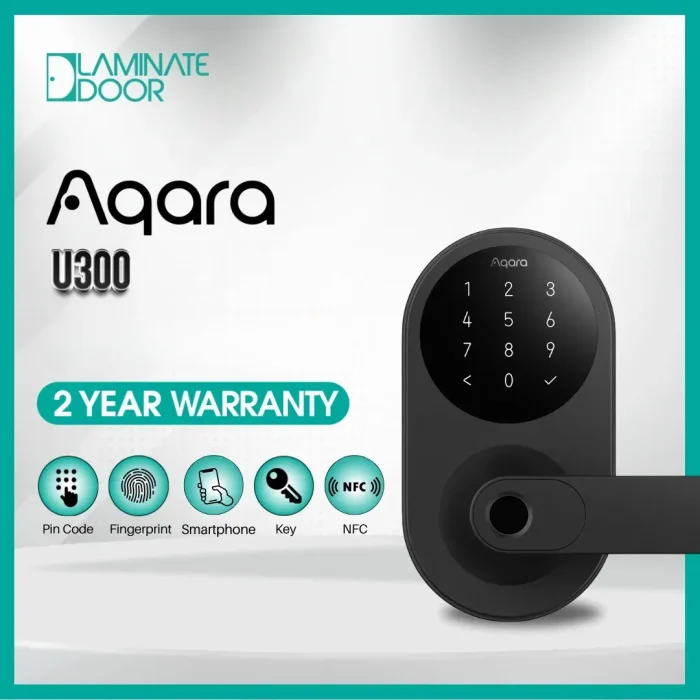
Aqara Smart Lock U300
A Premium Aqara U300 Smart Door Lock with advanced Features: Multiple Access methods: 1. Fingerprint 2. keypad 3. NFC Card 4. Apple Home Key

Aqara Smart Lock U50
Feature Details Product Aqara U50 Smart Door Lock Security Level Premium, modern, and reliable Access Methods PIN Code, NFC Card, Apple Home Key Apple Home Key Support Unlock using iPhone or Apple Watch
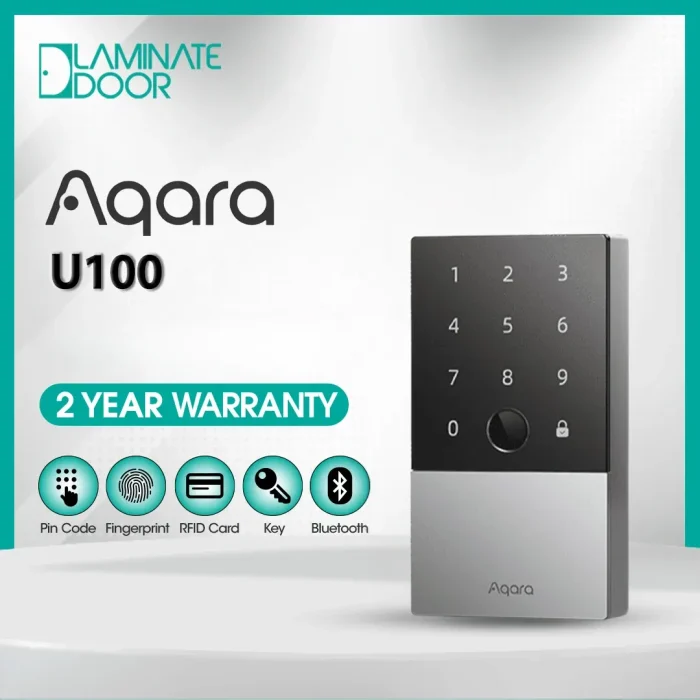
Aqara Digital Lock U100
Feature Details Easy Interface Simple and user-friendly to operate Battery Life Designed for long-lasting performance NFC Cards Includes 2 NFC cards Hub Comes with an E1 Hub Delivery Free delivery included
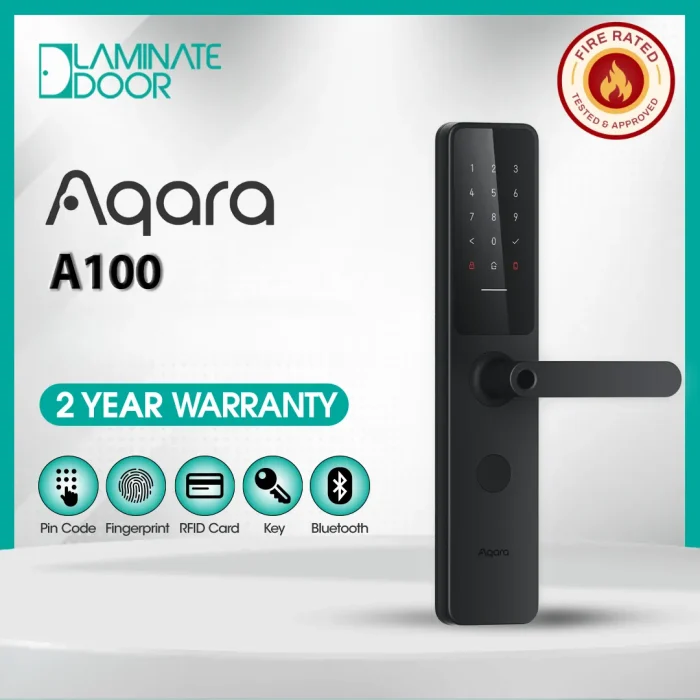
Aqara Fire Rated Smart Digital Door Lock A100 Zigbee
Aqara Fire Rated Smart Door Lock A100 – Zigbee The Door Lock Evolution: The updated version of our first global smart door lock Feature Category Details Biometric Access Fingerprint recognition HomeKit / Siri Bluetooth access, remote control, automations, Apple Home Key Password Options Permanent password, one-time password, remotely configurable password NFC Support Unlock using NFC cards Voice Assistant Compatibility Google Assistant (via cloud-connected hub)
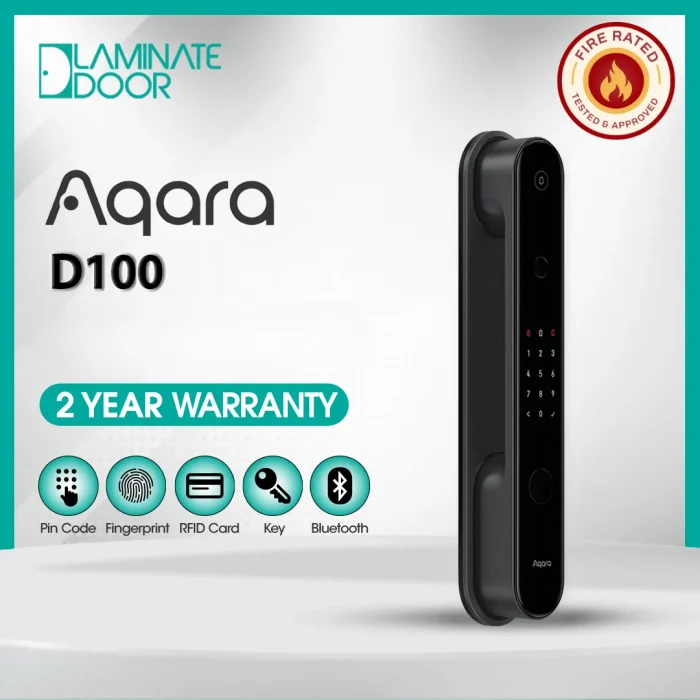
Aqara Smart Door Lock D100
Aqara Fire Rated Smart Door Lock D100 – Zigbee The fully automatic lock has been redefined. Feature Details Fingerprint Supported Mechanical Key Supported HomeKit / Siri Bluetooth, Remote Access, Automations, Apple Home Key Password Options Permanent Password, One-Time Password, Remotely Configurable Password NFC Card Supported Google Assistant Supported (Cloud via Hub)
Why Choose This Integration?
Integrating an Apple Watch with an Aqara Smart Lock offers unmatched convenience and security. It’s ideal for anyone who values a streamlined, secure home experience—whether you’re a busy professional, fitness enthusiast, or someone who simply enjoys modern technology. With the integration, you can unlock your door without fumbling for keys, even when your hands are full.
Take Your Home Security to the Next Level
Integrating a smartwatch with a smart lock takes home security and convenience to the next level. If you’ve ever wished for a smarter, more effortless way to manage access to your home, pairing your Aqara Smart Lock with your Apple Watch could be the perfect solution. Follow the simple steps above to get started and enjoy the benefits of this powerful integration. Unlock the door to convenience today!