












Setting Up a Matter-Enabled Smart Lock: A Step-by-Step Guide


When it comes to smart home technology, a Matter-enabled smart lock is the key to making your life easier, safer, and more connected. But let’s face it, setting up any new gadget can sometimes feel intimidating. Don’t worry; we’ve got your back! In this guide, we’ll walk you through the process of setting up your Matter-enabled smart lock, step by step, so you can enjoy peace of mind and a seamless smart home experience.
Why Choose a Matter Enabled Smart Lock?
Before we dive into the setup process, it’s worth highlighting why Matter is a necessary for smart home. This protocol ensures that your smart lock can communicate effortlessly with other devices, regardless of the brand. Imagine unlocking your front door while your smart lights turn on and your thermostat adjusts, all thanks to Matter’s compatibility magic!
What You’ll Need
To set up your Matter-enabled smart lock, gather these essentials:
- Your Matter-enabled smart lock (like the Aqara, which supports Matter).
- A reliable Wi-Fi
- A smartphone with the necessary Hub app downloaded (check the lock’s brand for specifics).
Got everything? Let’s get started.
Step 1: Install the digital Lock on Your Door
Follow the installation guide provided with the lock. Here’s a quick overview:
- Attach the smart lock components to your door.
- Ensure the deadbolt moves smoothly without resistance.
- Insert the batteries and secure the cover plate.
Take your time with this step, it’s the foundation for everything that follows.
Step 2: Power On and Reset (If Needed)
Power on your smart lock and reset it to its factory settings (if necessary). Most locks have a button or pinhole reset option. This ensures the device is ready to pair with your Matter-compatible ecosystem.
Step 3: Open the Hub App
1. Open your virtual assistant hub app, like HomeKit , Google Home or Samsung smart things.
2. Go to Settings and bind your Matter.
3. After bound, you can see you lock on the app.
Step 4: Test Your Lock
Once the setup is complete, test the lock to ensure it’s functioning correctly:
- Lock and unlock the door using the app.
- Set up PIN codes or biometric access if your lock supports these features.
- Try integrating it with other devices like setting a rule to turn off the lights when the door is locked.
Step 5: Customize and Secure
Personalize your settings. Create custom access codes for family or visitors and set up notifications to track who’s coming and going. Make sure your app and lock firmware are up-to-date for the latest features and security patches.
Matter Compatible Locks

Aqara Smart Lock U200
Feature Description Product Aqara U200 Smart Door Lock Access Methods Fingerprint, Keypad, NFC Card, Apple Home Key Design Premium, modern style Colors Available Silver, Black
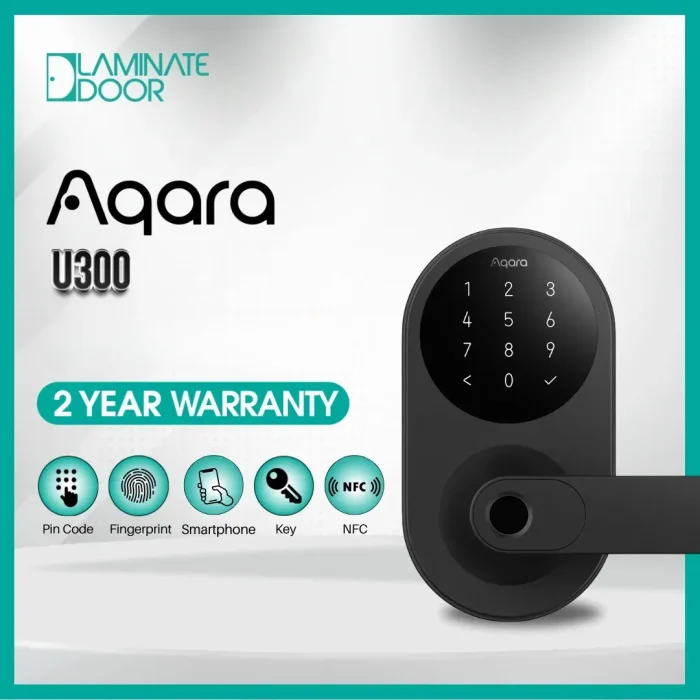
Aqara Smart Lock U300
A Premium Aqara U300 Smart Door Lock with advanced Features: Multiple Access methods: 1. Fingerprint 2. keypad 3. NFC Card 4. Apple Home Key

Aqara Smart Lock U50
Feature Details Product Aqara U50 Smart Door Lock Security Level Premium, modern, and reliable Access Methods PIN Code, NFC Card, Apple Home Key Apple Home Key Support Unlock using iPhone or Apple Watch
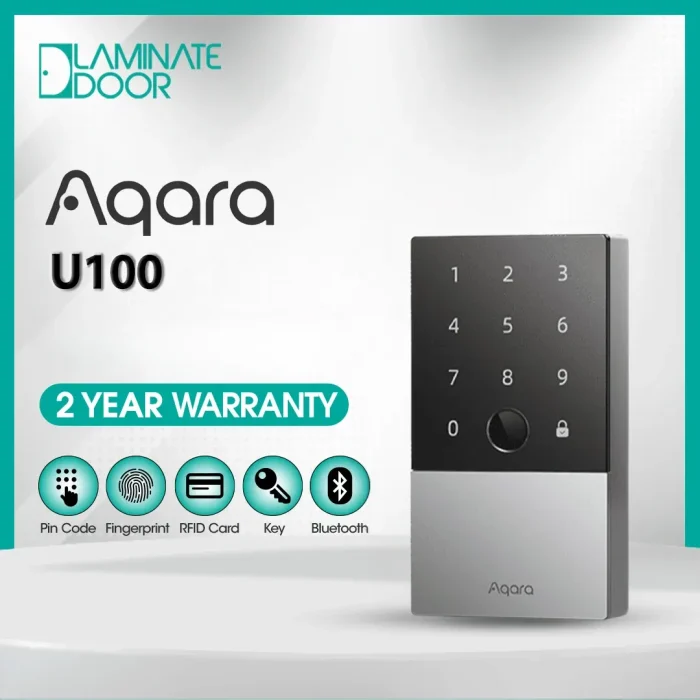
Aqara Digital Lock U100
Feature Details Easy Interface Simple and user-friendly to operate Battery Life Designed for long-lasting performance NFC Cards Includes 2 NFC cards Hub Comes with an E1 Hub Delivery Free delivery included
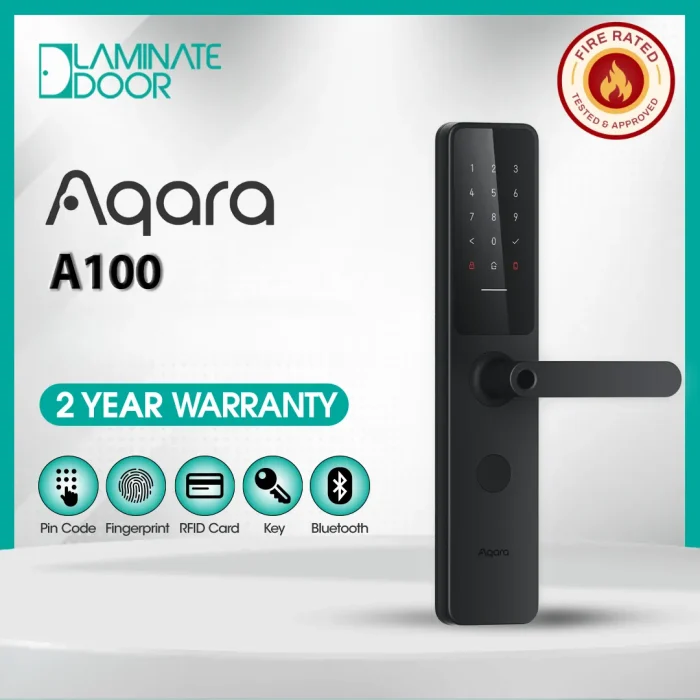
Aqara Fire Rated Smart Digital Door Lock A100 Zigbee
Aqara Fire Rated Smart Door Lock A100 – Zigbee The Door Lock Evolution: The updated version of our first global smart door lock Feature Category Details Biometric Access Fingerprint recognition HomeKit / Siri Bluetooth access, remote control, automations, Apple Home Key Password Options Permanent password, one-time password, remotely configurable password NFC Support Unlock using NFC cards Voice Assistant Compatibility Google Assistant (via cloud-connected hub)
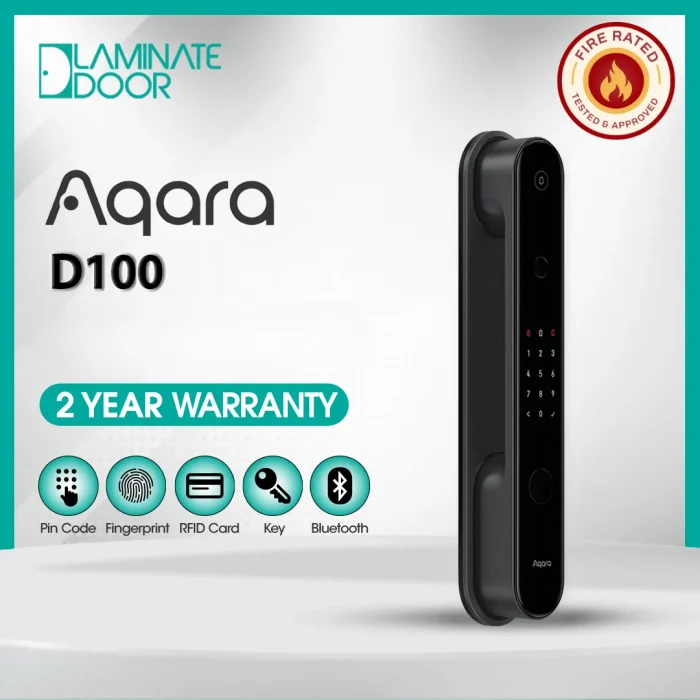
Aqara Smart Door Lock D100
Aqara Fire Rated Smart Door Lock D100 – Zigbee The fully automatic lock has been redefined. Feature Details Fingerprint Supported Mechanical Key Supported HomeKit / Siri Bluetooth, Remote Access, Automations, Apple Home Key Password Options Permanent Password, One-Time Password, Remotely Configurable Password NFC Card Supported Google Assistant Supported (Cloud via Hub)

Aqara Smart Door Fire Rated Lock D200i | Advanced Security for Modern Homes
Feature Description Facial Recognition Unlocks instantly with secure face authentication. PIN Codes Allows access through personalized PINs for different users. NFC Cards Provides tap-to-unlock convenience. Voice Control Supports unlocking via Siri. One-Time Passcodes Ideal for guests needing temporary access. Periodic Passcodes Allows scheduled access for helpers or recurring visitors. Remote Unlock Offers optional remote control for added convenience.
Setting up a Matter enabled smart lock isn’t just about convenience, it’s about creating a safer, smarter living space. By following these steps, you’re well on your way to enjoying a seamless, integrated smart home.
Remember, technology should work for you, not against you. So take it step by step, and don’t hesitate to reach out to the manufacturer’s support if you hit a snag. After all, every great smart home starts with a little patience and the right tools.